

1. You will be emailed an access code OR a gallery access link to get right into your online gallery. If an access code was given, you will just click on “GALLERY ACCESS” from the top of https://stilllightstudios.com/ to get into your gallery.

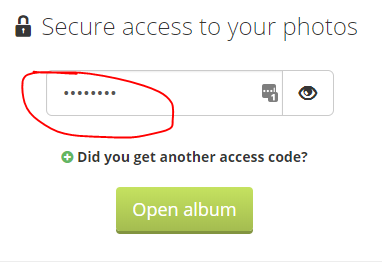
2. Enter your password in the input form and select the “Open album”.
2. Once in your gallery, select “Order Photos” green button

3. You will want to select “Individual Products” at the top to go straight into ordering individual prints. This will bypass any print packages that we offer.

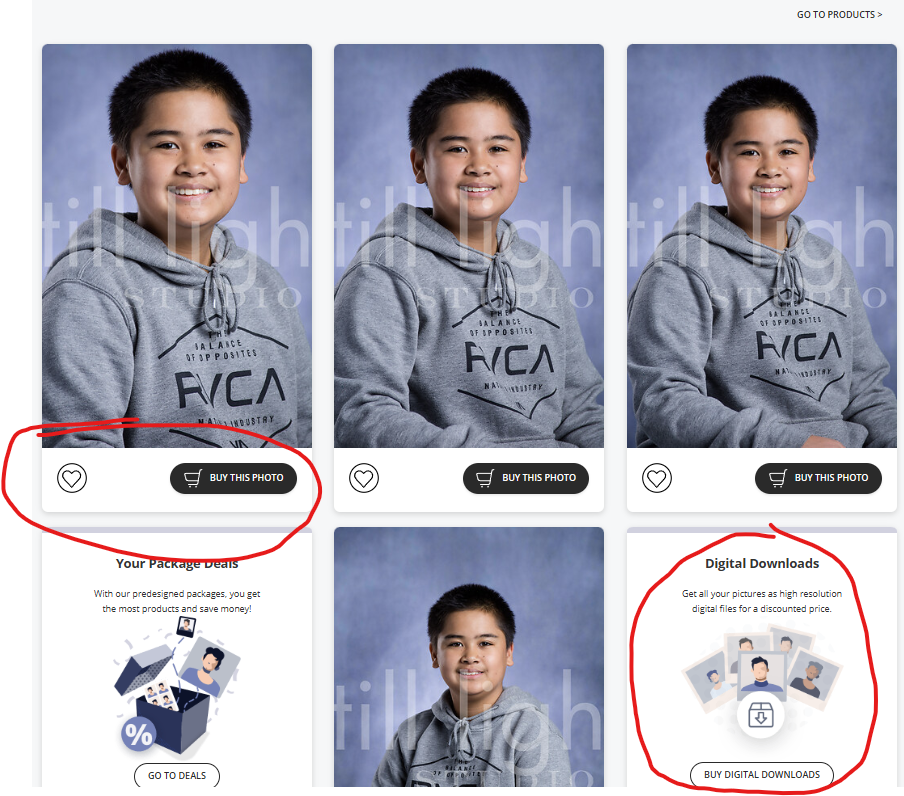
4. From there you can browse through the photos in your gallery and heart the images you like the most. You can select the “Buy this Photo” on the image you would like to purchase.
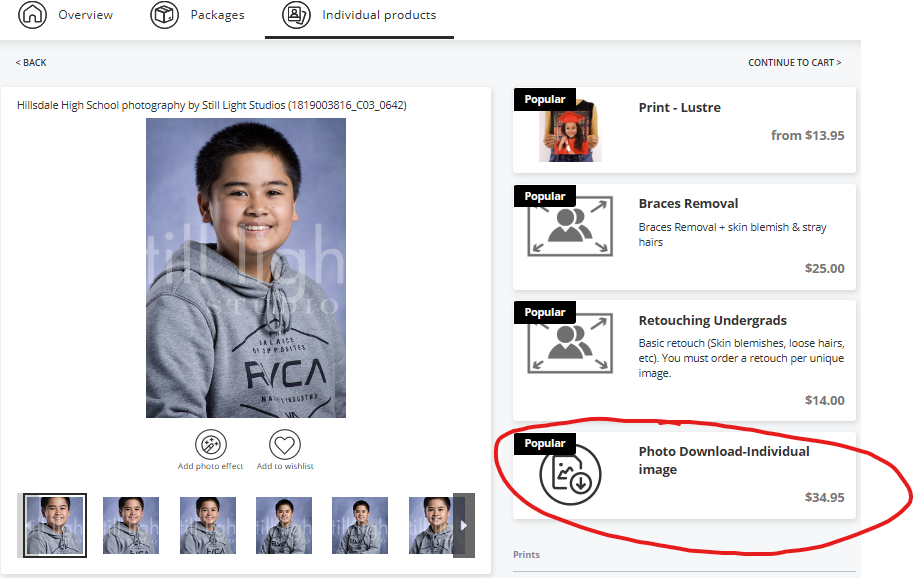
5. Once you’ve moved into buying a product for the image you desire, you can choose the type of purchase on the right hand side. You can purchase Prints, touch-ups, or digital download for that image.
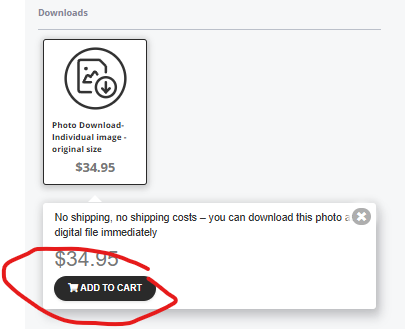
6. When you choose a digital image, you will hit “Add To Cart”
7. Once you are finished adding items to your chart, you can select the shopping cart to begin the checkout process.
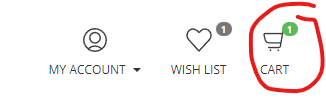
8. Your cart will show everything in your cart. If you wanted touch-ups for a digital item in your order, please make sure your cart includes a touch-up item in your cart for that image along side the print item. You can then “Proceed to Checkout”

9. From there you will complete the payment information to finish your order online.