

1. You will be emailed an access code OR a gallery access link to get right into your online gallery. If an access code was given, you will just click on “GALLERY ACCESS” from the top of https://stilllightstudios.com/ to get into your gallery.

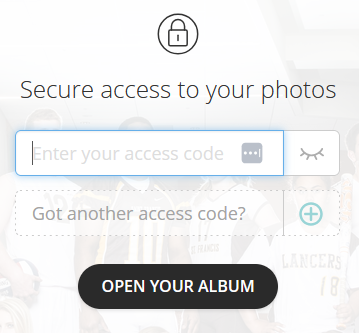
2. If you have an access code, enter your password in the input form and select the “Open album”.
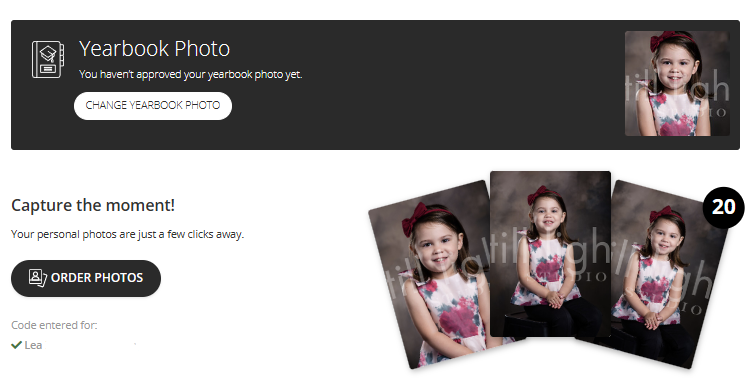
3. Once in your gallery, select “Order Photos” button. NOTE: you can also make your yearbook selection at this point if that option is available.
4. You will want to select “Individual Products” at the top to go straight into reviewing all the photos before making ordering decisions.

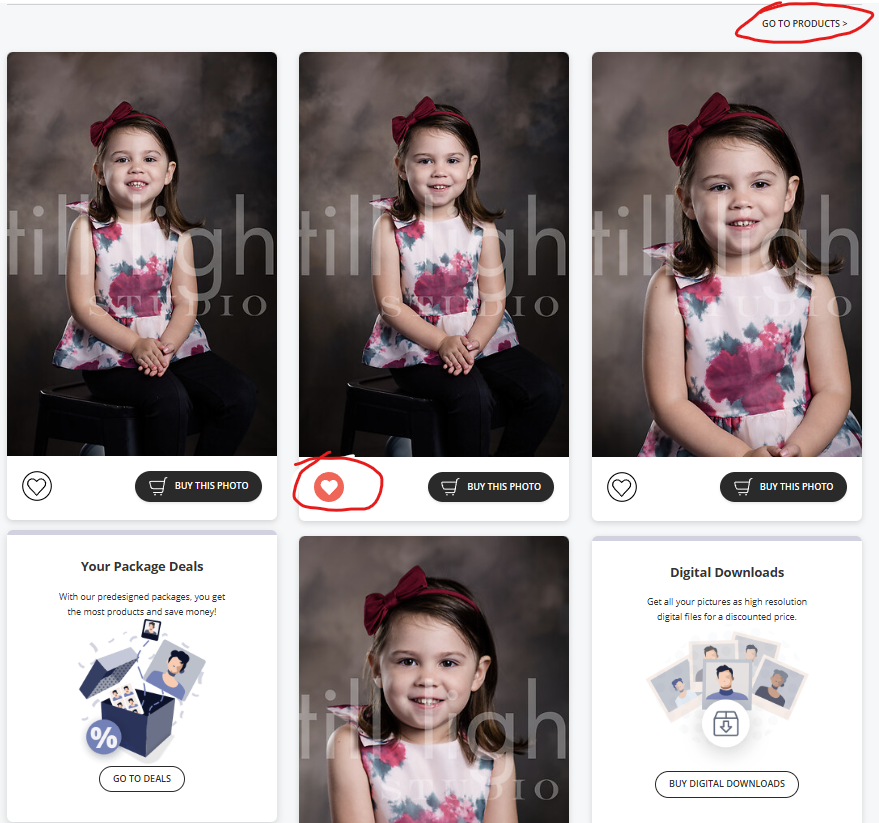
5. To help you organize and narrow down all the desirable photos, select the “heart” button on each photo you intend to order. Remember there may be multiple pages of orders. When you have hearted all relevant images (individual and/or group), you can then select the “GO TO PRODUCTS” link in the upper right to review product options to add to cart (downloads, packages or individual print orders).
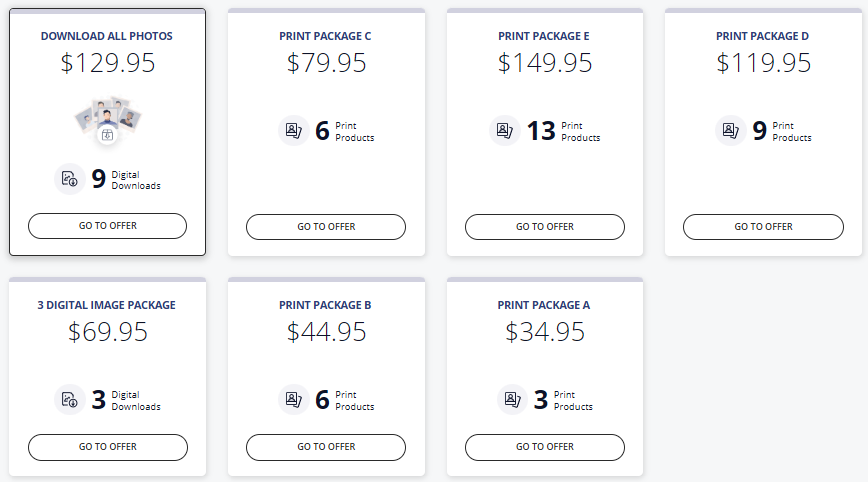
6. Packages give you the best value. Select the “Packages” at the top once you’ve hearted all your desired images. You will see all the digital and print package options available.
7. Once you’ve selected the “GO TO DEALS” in the previous step, you’ll be able to select the desired print or digital package. Not all packages in this example may be available at the time of your photo event.
8. Select “Choose photos” button for the desired package.
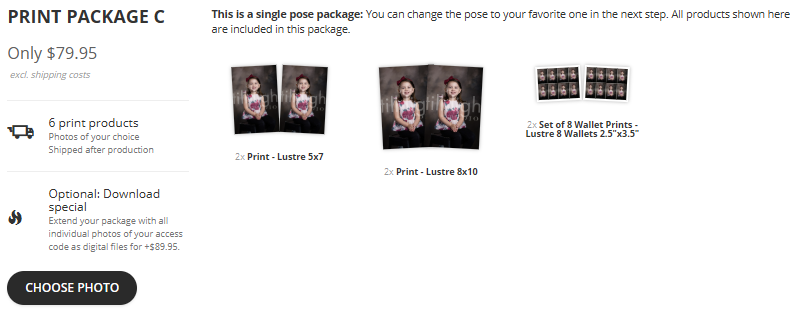
9. After selecting your package, you can also change the photos of the different print sizes in that package OR you can have one image used for all print sizes offered. But if you don’t need to change anything, you can simply select the “Add to cart” green button on the right.
Note: If you choose a package that includes a class photo, you will have to select the correct class image before checking out.
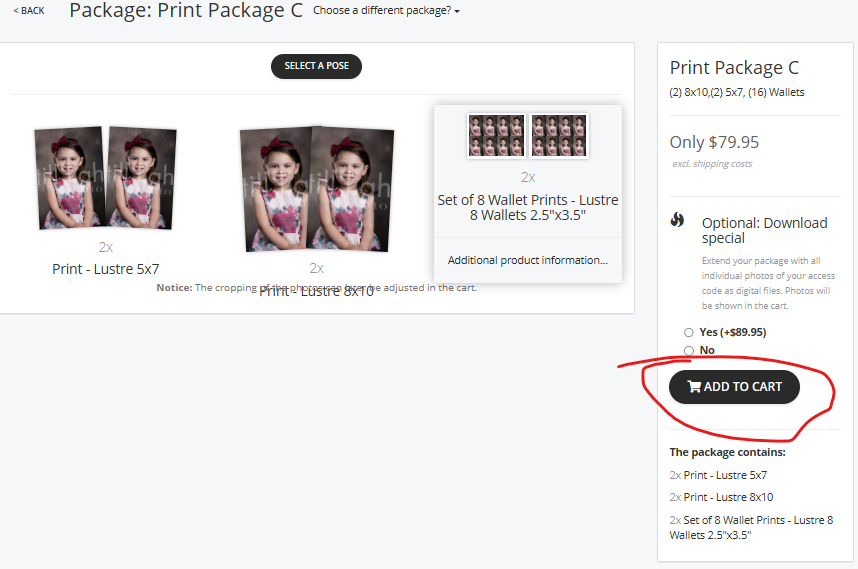
10. If you don’t check out right away, you will see that you have items in the upper right shopping cart. Just click on that cart when you want to check out.

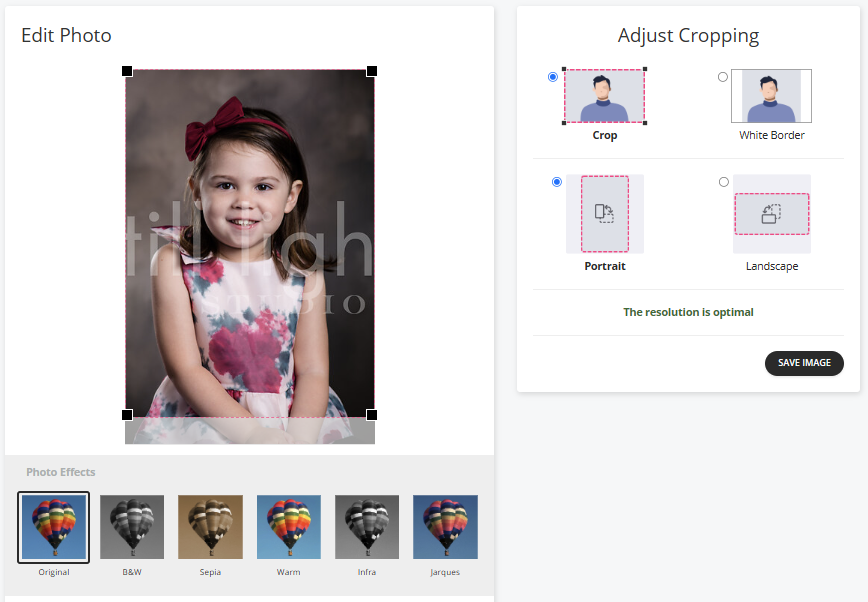
11. When you click on the shopping cart, you will receive a cart total listing. Notice that for prints, you have the option to manually CROP prints. Please click on the photos in your cart if you do not like the desired cropping. Then select the “Proceed to checkout” button. Not that cropping is irrelevant for digital image orders.

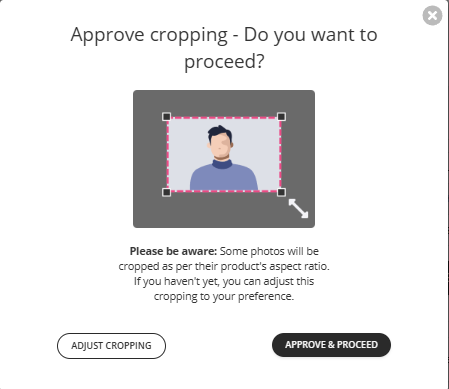
12. When proceeding to Checkout, you will see on final reminder box that you are signing off on the croppings that you see in your order. They are final. Select Approve and Proceed if you are in agreement.
12. From here you will sign in or create a new customer entry and then complete the payment information to finish your order online.